VPNs have gone mainstream in the UK — for privacy on public Wi-Fi, for working remotely and, since the Online Safety Act's age-check rules came into force in 2025, for people worried about sharing personal data with websites. This guide explains how to choose the best VPN for the UK, what to look for and what a VPN can and can't do.
Prices and features change often, so check the provider's current plans before you buy.
What is a VPN?
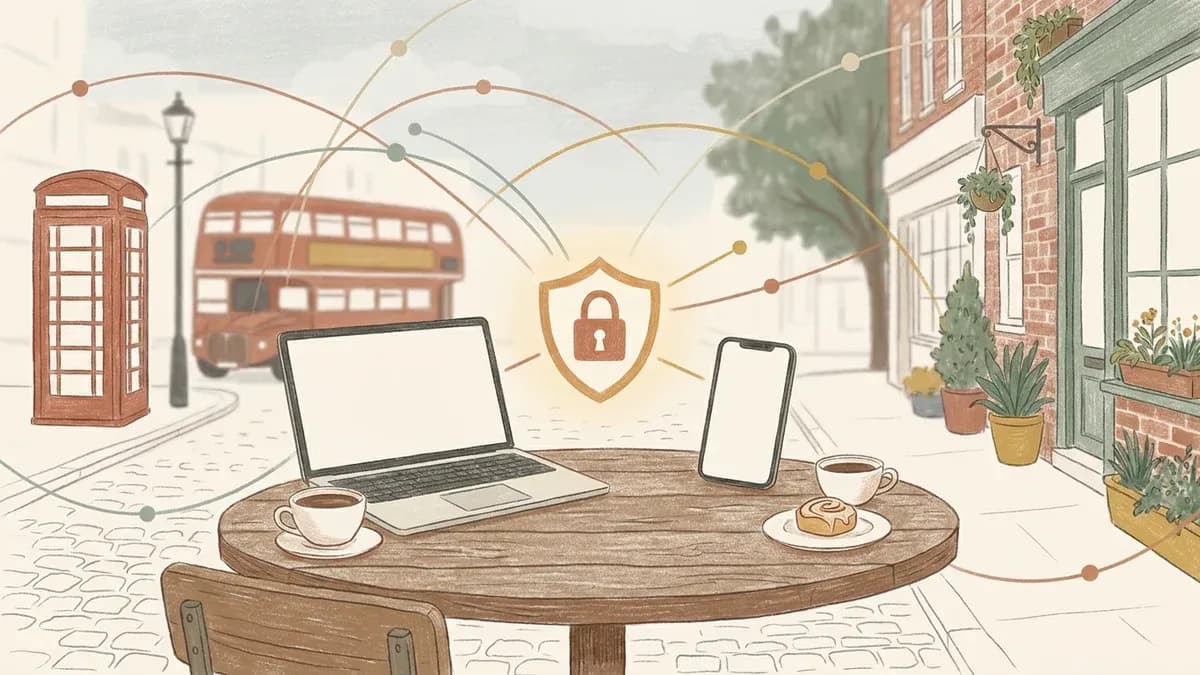
A VPN (virtual private network) creates an encrypted tunnel between your device and a server run by the VPN provider. This means:
- your internet provider can't see which sites you visit;
- websites see the VPN server's IP address instead of yours;
- your data is protected on public Wi-Fi in cafés, hotels and airports.
What a VPN doesn't do
- It doesn't make you anonymous: if you log in to Google, Facebook or your bank, they still know it's you.
- It doesn't protect you from scams or malware on its own.
- It doesn't make illegal activity legal. Using a VPN is legal in the UK, but the law still applies to what you do online.
Key features to look for
- A strict no-logs policy — ideally confirmed by an independent audit.
- Strong encryption and modern protocols such as WireGuard or OpenVPN.
- A kill switch that cuts your connection if the VPN drops.
- Good speeds on UK and European servers.
- Apps for all your devices — Windows, Mac, iPhone, Android and ideally your TV or router.
- Simultaneous connections — enough for the whole household.
- A money-back guarantee so you can test it risk-free.
Popular VPNs compared
| VPN | Known for | Typical price |
|---|---|---|
| NordVPN | Fast speeds, lots of features, audited no-logs policy | £3–£12 per month |
| Surfshark | Unlimited devices on one plan, good value | £2–£12 per month |
| ExpressVPN | Ease of use, strong reliability | £4–£10 per month |
| Proton VPN | Privacy focus, Swiss-based, generous free tier | Free, or £4–£10 per month |
| Mullvad | Privacy without an email address, flat monthly price | About £4–£5 per month |
Longer plans are much cheaper per month, but test a VPN with a shorter plan or within the refund period first.
Free vs paid VPNs
Free VPNs can be fine for occasional use, but many limit data, speeds or locations — and some fund themselves by collecting and selling user data. If you choose a free VPN, pick a reputable provider with a clear privacy policy, such as Proton VPN's free plan.
How to set up a VPN
- Sign up on the provider's website and choose a plan.
- Download the app for your device from the official website or app store.
- Log in and connect to a server — usually the "quick connect" option picks the fastest.
- Turn on the kill switch and auto-connect on untrusted Wi-Fi in the settings.
Things to know in the UK
- Using a VPN is legal, and many businesses require one for remote working.
- Streaming services may restrict content by country; check each service's terms of use.
- BBC iPlayer requires a TV licence to watch live TV or iPlayer content, wherever you're connecting from.
- Children's safety: a VPN can bypass parental controls set by your broadband provider, so parents may want device-level controls too.
Need more tech help? Learn how to take a screenshot, read our guide on how to make a website, or browse our apps and services.